Page 1 of 1
posting pics
Posted: Wed Jul 08, 2009 5:47 am
by Thummper3
Re: posting pics
Posted: Wed Jul 08, 2009 6:18 am
by HandymanHerb
You need to use a resizing program I use imageShack to resize and store my pictures, but there are many to chose from.
You want them 640x480 or less for boards
Re: posting pics
Posted: Wed Jul 08, 2009 6:33 am
by Thummper3
I see on my digital camera where I can change the size of the pictures, one is for e-mail. I will try this.
Im not an idiot, but some things are above my pay grade


Re: posting pics
Posted: Wed Jul 08, 2009 6:39 am
by bruuuuce
I use photobucket and when I upload the pics there it resizes them, they also give you the IMG tags you need, you just copy and paste them into the post, I would guess imageshack does the same thing.

Re: posting pics
Posted: Wed Jul 08, 2009 6:45 am
by bruuuuce
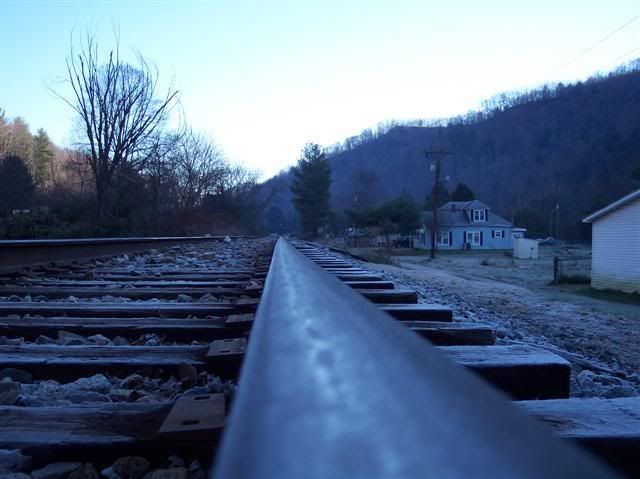
This is my favorite picture that I have taken, it was in Evarts Ky on Thanksgiving day we were there ATV Riding.
My other favorite picture is of the fireworks at disney land but I don't think I have that one online to share.
Re: posting pics
Posted: Wed Jul 08, 2009 6:54 am
by bruuuuce
I did have my other favorite picture uploaded, just took me a while to find it.

Re: posting pics
Posted: Wed Jul 08, 2009 1:38 pm
by badmoonrising
I use 800 x 600 or 1024 x 768 because I'm posting mostly boobs and no one's complained

Re: posting pics
Posted: Sun Jul 12, 2009 11:12 am
by kaptap
I had the same issue with my first post last week. Instead of saving the picture as a GIF or JPEG file, I saved it as a web page and a box popped up where I could change the % size. It was set to 100% which was huge, so I changed it to 10% and got nice small pictures.
Re: posting pics
Posted: Mon Jul 13, 2009 6:13 am
by mike
If your using windows XP, get the microsoft image resizer tool!
http://www.microsoft.com/windowsxp/usin ... lman2.mspx


